WSL Manager 2.4.1 adds backup, restore, and a native Arm64 build
The two most recent releases of WSL Manager came out just 17 minutes apart. v2.4.0 shipped at 20:21 UTC on September 20, and it does the heavy lifting. v2.4.1 rolled out at 20:38 as an automated patch. If you're keeping score, that means one release added features and the other tidied up after them.
The feature release is where the news actually lives. It adds backup and restore of WSL instances, lets you switch a distro between WSL 1 and WSL 2 from inside the app, and gives ARM machines a native build so they don't have to run the x64 version through emulation. There's also a "create from a local Docker image" path, a per-instance default user, optional host-file entries so distros are reachable by name instead of a fl swapping IP, plus a handful of macOS VM tweaks. And since AI has crept into just about everything, it finally adds a consent gate that actually asks before anything reaches a model.
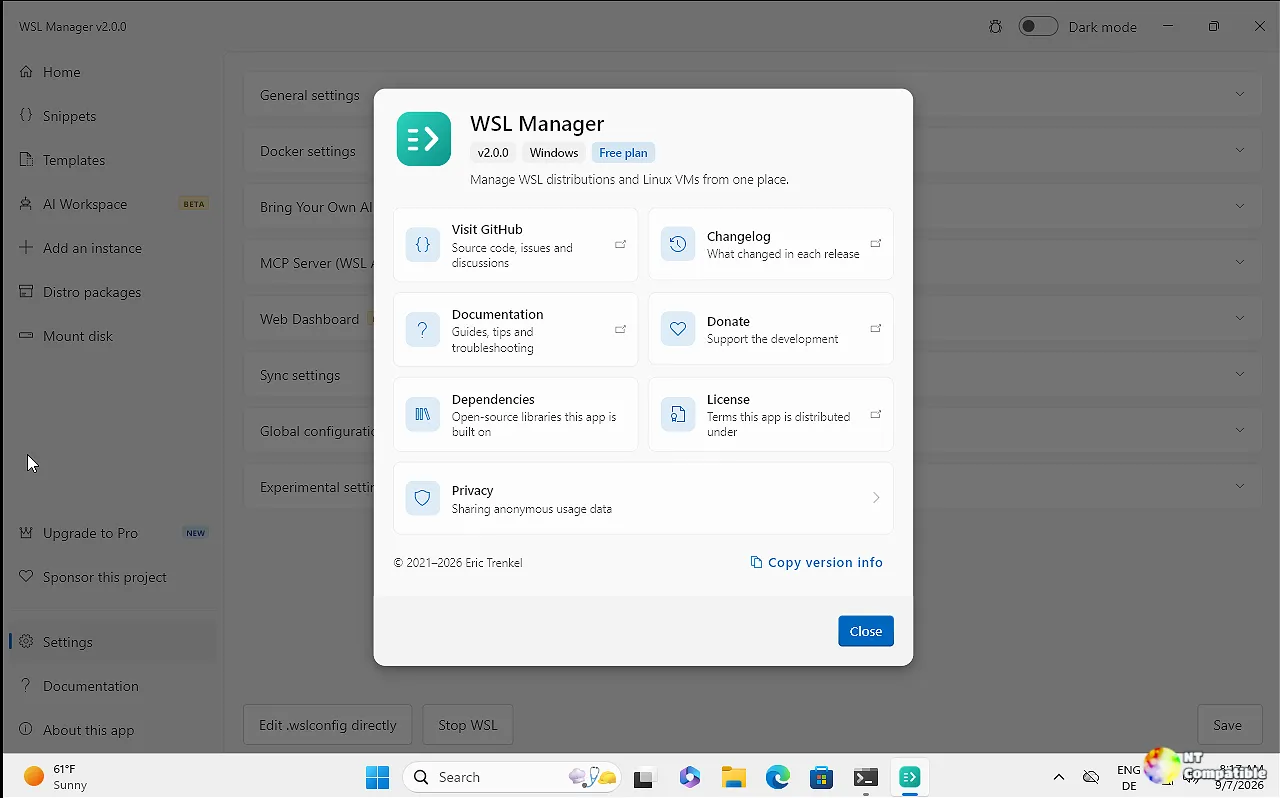
The free core and the odd release next to it
Eric Trenkel has run this spare-time project since 2021. The app is a free, open-source GUI built in Flutter, which is the whole reason the same codebase covers both Windows WSL distros and native Linux/macOS virtual machines on Apple silicon. Its pitch, straight from the README, is that you can install, copy, rename, move, back up, and delete distros without memorizing a single wsl.exe flag.
The free tier is more generous than you'd expect. You can install from a built-in catalog or bring your own rootfs. It'll compact VHDX disks to reclaim space WSL otherwise quietly swallows, package a configured distro as a portable .wsl file, and save command snippets for later use. Config is fully editable without hand-editing files, and remote WSL over SSH lets you drive another Windows machine's distros straight from the app, including from a Mac.
Now for the part that made me open the commit history. v2.4.1 is exactly what its changelog says it is: a maintenance bump. Its four commits touch four files, all by bostrot, all dated the same day. It realigns an internal analytics mock with Plausible's event signature, fixes the integration tests so they actually answer the AI consent prompt, and corrects how a restored archive path gets compared against the platform separator. In short, it repaired the feature release, re-published the assets, and this time made sure the native Arm64 installer actually sat next to the x64 and macOS builds. Not every patch is a feature drop. Just saying.
What costs $14.99, and what's actually free
The AI layer is Pro-only, and Pro is a one-time purchase rather than a subscription, which is $14.99 from the buy page, working on both Windows and macOS, or a one-time hit inside the Microsoft Store. Free updates for life. Trenkel's stated reason for the paid tier is blunt: a one-person project can't turn maintenance and new features, even the free ones, into regular work without it. For what it's worth, the first 100 people got Pro free via a START100 code at checkout.
Pay up and you get an AI agent that can stand up a dedicated, isolated Linux VM or distro running one of several tools like Hermes Agent, OpenClaw, Open WebUI, or OpenCode, with full install, start, stop, repair, and uninstall flows. You bring your own key, so any OpenAI-compatible endpoint works. The chat calls the same tools an external MCP server exposes, and every AI run that changes an instance gets saved as a snippet for review. The MCP server listens at http://127.0.0.1:59133/mcp, loopback-only, behind a bearer token, and ships first-class docs for Claude Desktop, Claude Code, and opencode.
There's also an optional Cloudflare tunnel that turns the whole app into a shareable web dashboard on port 59134. As of right now that dashboard binds to all interfaces on purpose, and web links carry the access token in the URL. Regenerate it and every link you've handed out is instantly voided. Fair caveat from the author: the "sandboxed" AI still has normal outbound internet, so call it a sandbox with a very low fence.
Grab it, verify it, then decide
You have options for installing. The Microsoft Store path is recommended on Windows and auto-updates. winget install Bostrot.WSLManager works too, as do Scoop, Chocolatey (community-maintained, not official), and Homebrew on Apple silicon. The non-Store builds self-update on their own, which is the least exciting feature but the one that keeps the app current.
If you're downloading the release directly, v2.4.1 ships eight binaries, the GitHub header shows ten entries, but the API returns eight real ones, totaling roughly 169 MB. The Windows x64 installer sits at about 29.7 MB, the arm64 setup near 28.3 MB, and the macOS .dmg lands around 26.4 MB. Each one has a SHA-256 digest on the release page. Keep in mind the filenames still carry the legacy wsl2-distro-manager- prefix even though the product is now just "WSL Manager." That's a deliberate nod to the original name, not a leftover typo.
The app is genuinely useful and stays free at its core. The AI layer is the real differentiator, but it's an add-on rather than a reason to buy. Not much here is worth complaining about, though the native Arm64 build was a long time coming for machines that have been emulation-bound since day one.
The full release notes, install commands, and verified downloads are on GitHub.


