WSL Manager v2.7.0 Adds Tray Icon, Real Progress Bars, and Persistent Dev Environments
The open-source Flutter app for managing WSL distros now keeps your Linux environments running even when you close the window.
WSL Manager v2.7.0 is here, and if you're juggling multiple Linux instances on Windows, this is the update you've probably been waiting for. The free, open-source app now minimizes to your system tray instead of killing your distros when you click the X. They keep running. You can even set it to auto-start with Windows.
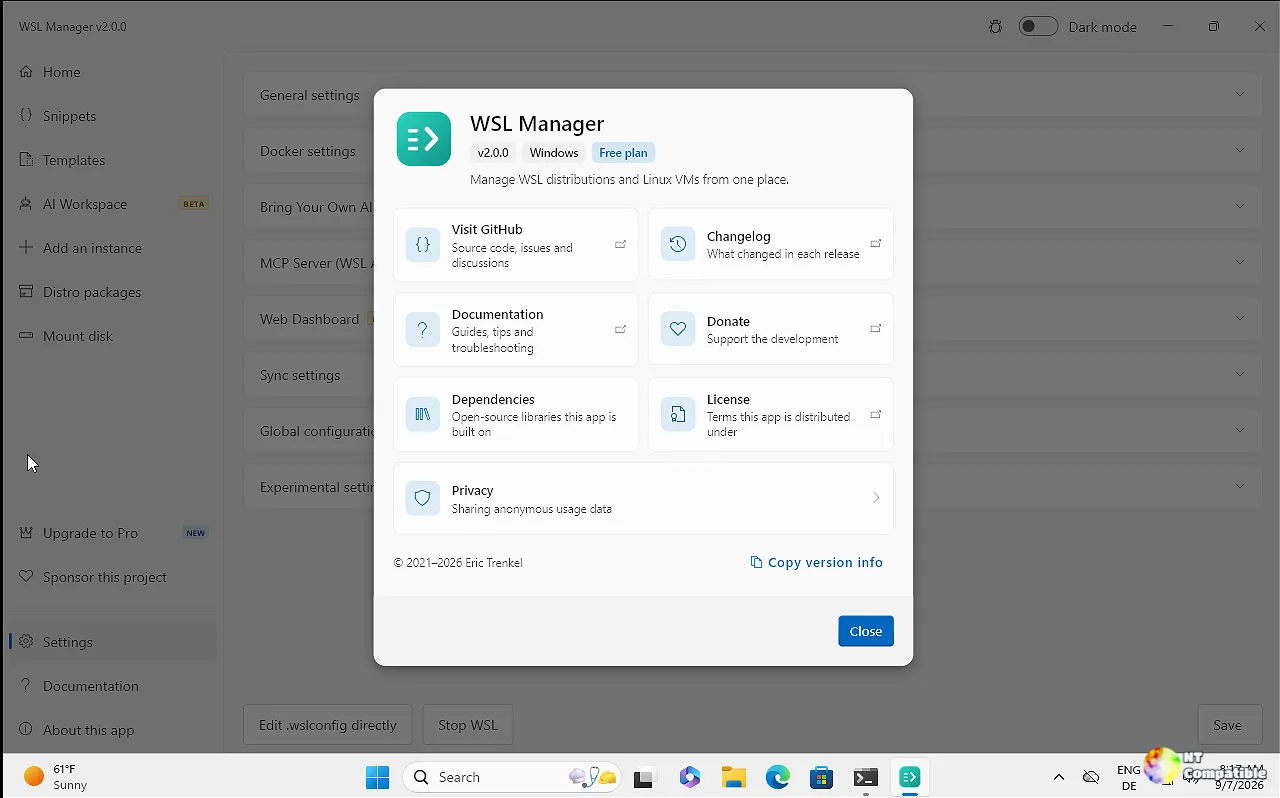
Eric Trenkel, the one person behind WSL Manager, shipped 16 pull requests in this release. That includes real progress bars for disk operations instead of the endless spinners from before. You'll also see each instance's IP address directly in the list view, a free-text note field per distro, and keyboard shortcuts for the basics.
The project's been growing steadily since Trenkel started it in 2021. It's got 4,000 stars on GitHub now, runs on both Windows and macOS, and somehow manages to stay completely free for all the core management features.
What Actually Changed
The tray icon feature is the headline here, and it's a meaningful shift. Previously, WSL Manager was a launch-and-forget tool, you opened it, started your dev environment, and closed the app. Your distros would eventually die with it.
Now the app persists in the background. It checks if your instances are still alive and restarts them if they crash. Docker Desktop basically does this for containers, and WSL Manager is catching up on the same behavior for WSL.
The progress bars are another solid addition. Copying or moving large virtual disks used to show a spinner that said "working" but gave you no idea how long it'd actually take. v2.7.0 tracks byte-level I/O and shows you real percentages. You'll know if a 50GB move is crawling or actually finished.
There's also a filter box on the Home screen now. Ctrl+F focuses it, F5 refreshes the list. If you're managing dozens of distros like Trenkel probably is, that's genuinely useful.
The Chinese font fix is a small but critical i18n improvement. Before this, CJK characters were rendering as boxes or missing glyphs. The app now falls back to whatever CJK fonts your OS already has installed. It works across all nine supported languages.
The Pro Tier Exists, But the Free Version Still Rules
WSL Manager makes its money through a one-time Pro purchase, not subscriptions. The free tier covers all WSL and VM management—install, copy, rename, move, backup, delete, Docker image import, Turnkey Linux support, disk mounting, .wslconfig editing, remote SSH, Windows Terminal integration, and dark/light themes.
Pro unlocks AI features: an AI assistant that can actually operate your WSL instances via MCP, a sandboxed AI Workspace, task queues, a web dashboard, and cloud deploy to Hetzner. The BYOK model means you bring your own AI API key, OpenAI, Ollama, LM Studio, whatever. WSL Manager doesn't host anything.
Trenkel's philosophy is straightforward: managing distros stays free forever. Pro funds the development. The whole app remains open source under GPL-3.0.
It's a rather generous model for an indie project with 4,000 stars. Though the Pro tier does feel like it's trying to future-proof against commercial tools rather than competing with them directly. The real value prop is that the free version is genuinely complete.
Running on Two Platforms Now
One detail that doesn't get enough attention: WSL Manager runs on Windows 10+ and macOS 11+ (Apple Silicon). The Windows side manages WSL instances. The macOS side manages native Linux VMs through Apple's Virtualization framework.
Same Flutter codebase. Two different virtualization ecosystems. That's no small feat, and it speaks to the architecture's cleanliness.
You can grab it through the Microsoft Store, Homebrew, Winget, Scoop, Chocolatey, or direct download from GitHub.


