FluentCleaner 26.09.01 ships command-line automation for Classic and drops a Mini mode
The open-source CCleaner alternative just got more scriptable and noticeably leaner.
FluentCleaner 26.09.01 has been released and the headline move is about power underneath rather than anything on the screen. The Classic edition gains real command-line automation you can drive from batch files, PowerShell, or other tools. At the same time, an ambitious "Mini mode" that was set to ship has quietly been pulled.
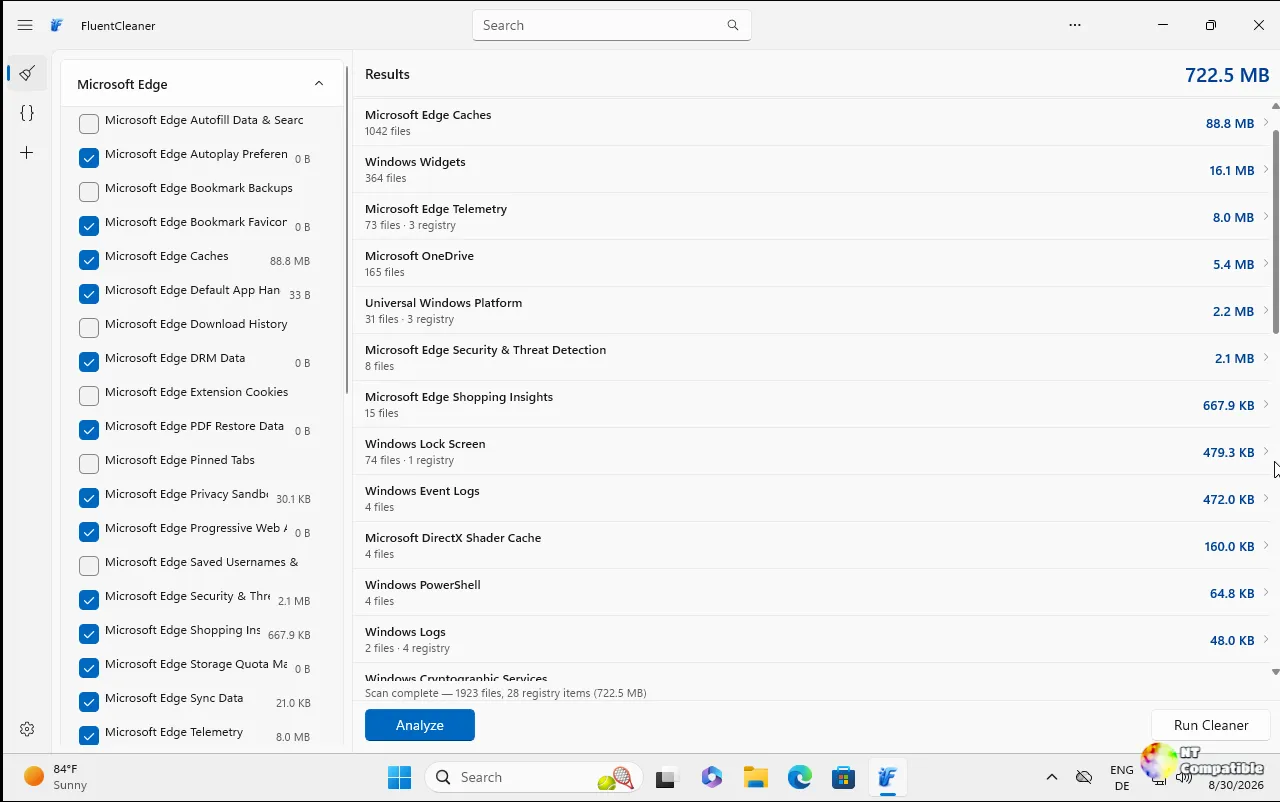
It's a candid approach from maintainer Belim, the developer behind builtbybel on GitHub. The release notes open by admitting recent work "were not about piling on features at any cost." That one sentence says a lot about where this project is headed.
Belim's reasoning is straightforward: a shrunken UI doesn't suit a tool built to stay light. So Classic gets scriptability instead. "Less interface bolted on, more power underneath," as the release puts it.
Command-line automation lands, Mini mode gets shelved
The feature finally answers issue #52, opened back in June 2026 by @Ros-ua. For over a year the community asked to run FluentCleaner silently inside scripts, the way you'd fire off CCleaner /auto or BleachBit --clean. That long wait is over for Classic now.
You can analyze or clean the saved selection with no window and no prompts. There's category targeting too, so a single cleaner category can hit without you cleaning the whole selection. A couple of details worth knowing: /SHUTDOWN does nothing on its own and needs a clean command to go with it, and the exit codes are automation-friendly so scripts can actually verify a run worked.
Results go to %AppData%\FluentCleaner\auto.log, timestamped, with every deleted path grouped by entry and a total cleaned size. That log is a genuinely useful touch. Silent-clean runs used to leave you guessing about what just got deleted and by how much.
The Mini mode itself gets paused rather than killed. Belim tried it in v1.17, shelved it before release to keep Classic "small, predictable, and easy to maintain," and says it "may return later as an external add-on or plugin." You got the learning even if you didn't get the code.
Smaller Classic fixes round it out. Deleting a cookie used to throw you back to the top of the list; now it holds your spot and jumps to the nearest remaining entry (issue #185). A "Select all" option also landed on the Cookie Manager menus, and it respects active filters so you don't grab invisible entries.
Both editions get real fixes too. An empty selection now sticks instead of being mistaken for a fresh install (issue #176). And DetectFile now finds 32-bit installs in both Program Files and Program Files (x86), a classic failure point (PR #184).
Where to get it: the release offers FluentCleaner-win-x64.zip for Modern and FluentCleaner-Classic-net48.zip for Classic. The Modern build is also installable with winget install --id Builtbybel.FluentCleaner --exact. As of right now there's no new shipping date to track, so this is a standard pull-and-run situation.
Head here for the download.


