NanaZip 6.5 Release Adds Security Patches and Smarter Extraction Defaults
NanaZip 6.5 hits the download page with a focus on squashing security vulnerabilities and tweaking default behaviors that annoy power users. The release bumps the version to 6.5.1750.0, bringing in fixes from external auditors alongside some UI adjustments that make extracting archives feel less intrusive.
Security Fixes Take Priority
The development team addressed several security vulnerabilities flagged by researcher Pig-Tail. While the project has not assigned official CVE numbers yet, the issues are tracked under GitHub Security Advisories. These patches cover codec handling flaws that could potentially be exploited during archive processing. Users who rely on NanaZip to handle untrusted files or extract archives from sketchy sources should treat this update as mandatory rather than optional. The GHSA links provide details for those who want to verify the scope of the fixes before applying them.
Extraction Behavior Gets a Tune-up
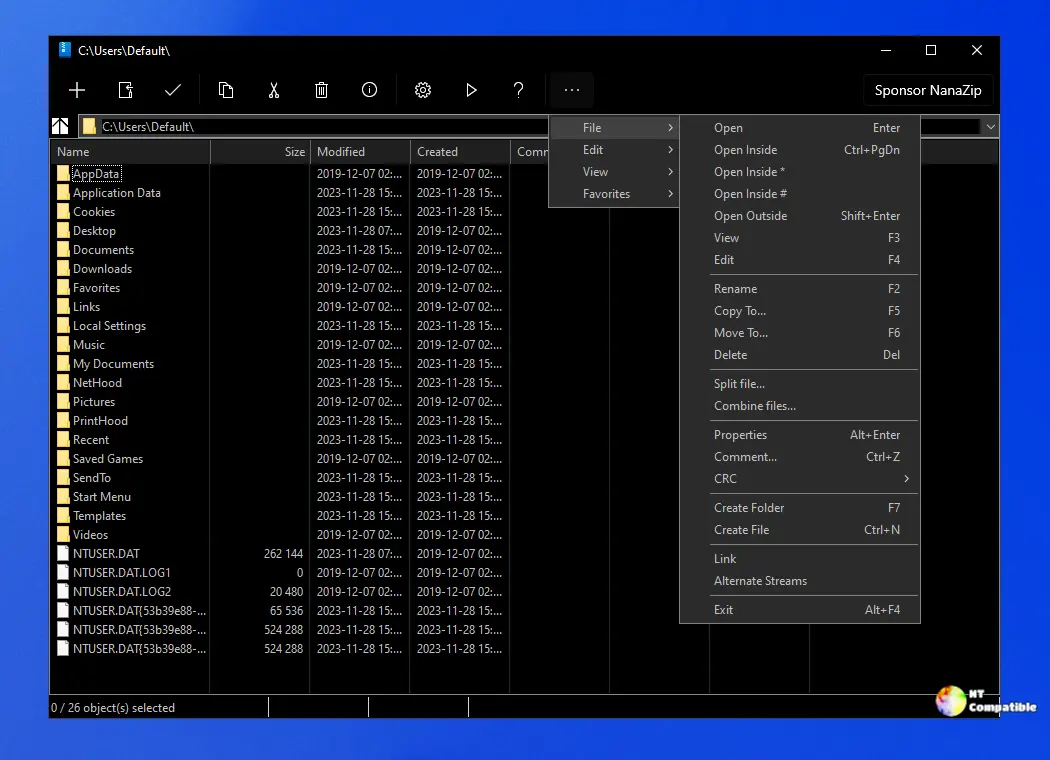
One of the more practical changes targets the extraction workflow by preventing File Explorer from opening automatically during extract-on-open operations. Previously, extracting a file might pop up a new window just to show where the data landed, which breaks focus during batch operations or when working with multiple archives. The update also introduces an optional XAML-based copy location dialog, giving the interface a more modern look for those who prefer the newer UI framework over legacy controls. These tweaks reduce unnecessary window clutter and speed up repetitive tasks.
Versioning Cleanup and Technical Updates
The developers also took time to clean up their versioning strategy after the 6.x series accumulated so many incremental updates that the numbering started looking messy. NanaZip 6.5 establishes a new baseline and adjusts release tag rules to keep future versioning cleaner, which helps anyone tracking builds or scripting automated updates based on version numbers. Under the hood, codec issues have been resolved to improve archive compatibility, and build tool implementations received improvements for contributors. The release includes an optional build with AddressSanitizer support to help catch memory errors during testing, along with a synchronization of zstd implementation that brings no functional changes compared to the previous sync.
Release NanaZip 6.5 (6.5.1750.0)
I'm excited to announce that we've released NanaZip 6.5, now available for download. I think we should have a new baseline and a new version tag rule because there are too many update numbers.
You can grab NanaZip 6.5 directly from the official repository or via the Windows Package Manager if you prefer command-line installs. The security patches alone make this worth a quick update cycle, and the extraction tweaks should save some clicks in the long run.


