Visual Studio Code 1.139 Ships With Faster Agent Sessions and Remote Dev Containers
The latest stable release leans hard into multi-agent workflows while polishing the small editing details.
Microsoft has pushed Visual Studio Code 1.139 to the stable channel. It lands about two weeks after the last feature update, which is the editor's usual cadence. The headline this round is all about agents: session lists that once crawled now load fast, and you can run agent sessions inside a project's Dev Container even when that container sits on a remote host.
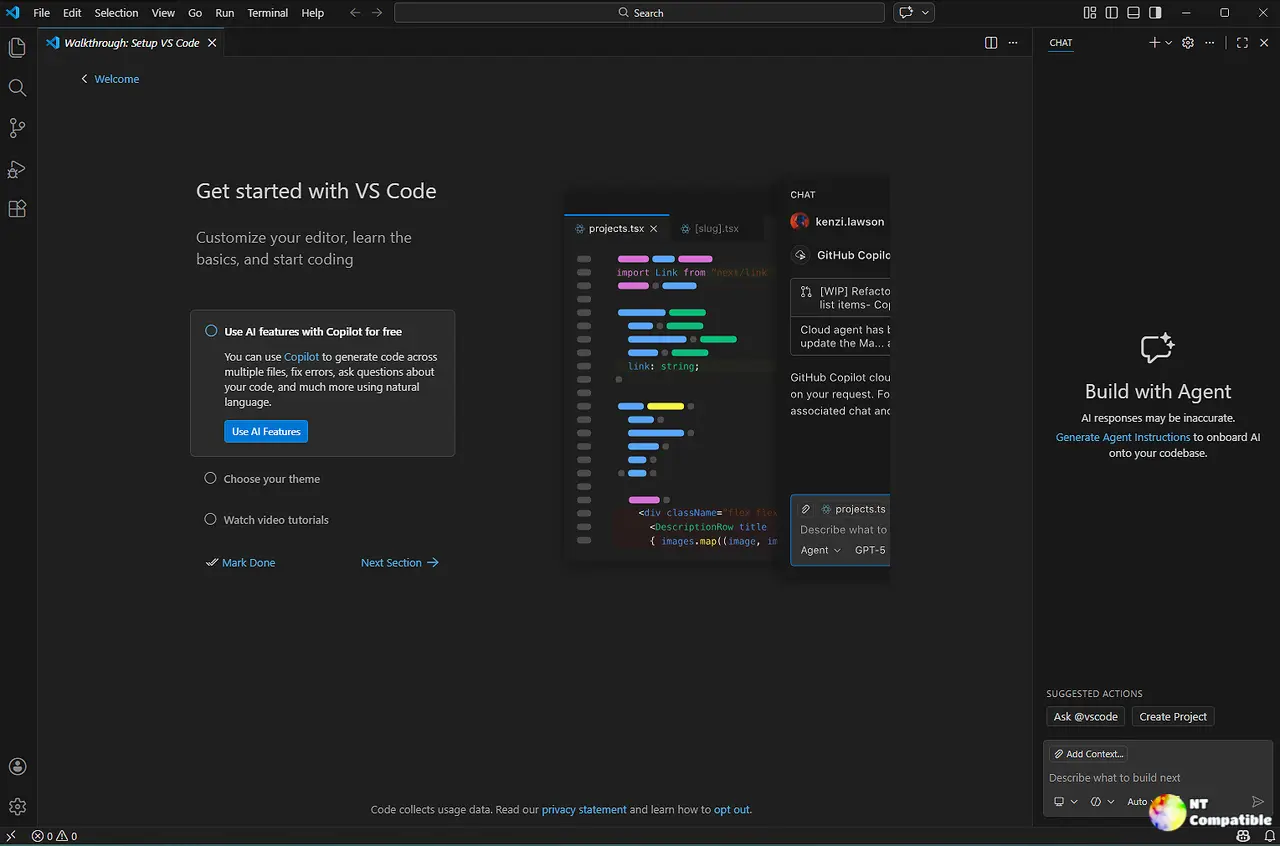
VS Code is Microsoft's cross-platform source-code editor, and it has quietly become the default workbench for a large slice of the developer world. IntelliSense, debugging, version control, a sprawling extension marketplace — and, more lately, a whole agent layer stacked on top of all of it. That agent architecture is the piece Microsoft is betting on, and 1.139 reads like it wants agents to stop feeling like a booth demo and start feeling like a real workflow.
The company frames the release around three things. Bigger session lists get faster. Dev Container support spreads to remote SSH, Tunnel, and WSL hosts. And a grab bag of editor tweaks make day-to-day editing just a touch smoother.
Agents eat most of the plate
The guts of this release sit on the Agent Host Protocol, or AHP. Introduced earlier in 2026, it runs agent harnesses in their own process so you can attach the same session from multiple VS Code windows. It's the foundation for most of what shipped here.
The one that probably matters most lets agents work inside a Dev Container that's running on an SSH, Tunnel, or WSL host. Previously that option only worked for local folders. Now the agent can build and test the remote project with the correct toolchain and dependencies, without you setting the same stuff up twice — once on the laptop, again on the machine you're reaching over.
Turn it on with chat.agentHost.devContainer.enabled, then pick "Use Dev Container" from the folder menu in the Agents window. The remote folder needs a supported Dev Container config, and Docker has to be on the remote host. Note that this is rolling out gradually, so you may need to flip the setting yourself.
Session lists get a lot faster for a specific reason. The agent host now keeps lightweight metadata in a central catalog instead of cracking open every conversation database each time the list builds. Full conversation content stays isolated in the individual session and chat databases, so data boundaries hold. The old approach scaled poorly, and performance fell off in rough proportion to session count.
A new Compact View packs more sessions into the list. A compact row shows just the title until you hover or focus it, then reveals workspace details. Rows still expand when a session needs your input or approval, so those prompts stay visible. Progress also appears on the row for the chat that owns the work, and collapsing a session summarizes its hidden chats.
Filter empty groups and you can hide empty custom groups plus the empty Chats section. That preference rides along with your other list filters in your profile.
Rename sessions and nested chats in place now. Double-click a title, use the Rename context menu, or press F2. Inline validation blocks blank titles, and canceling rolls you back to the previous name.
A preview option called sessions.showChatTabs decides how chats appear inside a session. "Multiple" spreads each chat across its own tab. "Single" hides the tab bar and shows only the active chat. Switching preserves open chats and conversation state, and chats opened to the side stay independent even in Single mode.
The small stuff still counts
Microsoft ran an experimental pet naming contest for its VS Code mascot. The contest closed on September 17, 2026, and entries are still under review, so the winner hasn't been announced. Until then you can type /vscode-pet in chat to meet the current companion and poke at its reactions. It's the sort of feature that reminds you this editor is arguably less about the raw code than you'd think at first glance.
A small arrow now shows up at the word wrap column on the right edge of the editor, marking where lines wrap so you can spot them at a glance.
VS Code also stops doubling up closing brackets. If a matching bracket already exists, it uses that one instead of dropping in a second. It sounds tiny, but it's exactly the kind of thing that quietly adds up over a long day of typing.
Extensions can now see how long an access token stays valid. A new optional expiresAfter property on AuthenticationSession reports the remaining lifetime in milliseconds when the provider returns the session, rather than a fixed timestamp. That distinction matters because the extension host can run on a different machine than the client, and the clocks might not line up. Providers with cached sessions recompute the value each time, leaving it undefined when expiration is unknown. The built-in Microsoft account provider already supplies it.
Worth flagging too: no features or settings were deprecated this release.
Two fixes are worth mentioning. The first tightens agent policy enforcement — when an organization disables Agent mode by account policy, the Welcome invitation is now hidden, and alternate launch paths like code --agents respect the restriction instead of quietly working around it. The second kills a race condition in enterprise-managed OpenTelemetry config that could drop OTel in Local mode.
You can weigh in on the token-lifetime API proposal in the issue on GitHub, and the pull links for both fixes live in the release notes.
VS Code 1.139.0 is out now for Windows, macOS, and Linux. Existing users can update through Check for Updates inside the editor. The Insiders build is already sitting at v1.140 for those who want to poke at the next thing first.
Downloads cover Windows x64 and Arm64, macOS Universal, Intel, and Apple silicon, plus Linux in .deb, .rpm, .tar.gz, Snap, and Arm flavors.
The bottom line
For anyone building or running agents against remote or containerized projects, 1.139 is worth jumping to immediately. The remote Dev Container support and the session-list speedups are the real reasons to upgrade.
At the same time, the word wrap indicators, smarter bracket handling, and clearer token-lifetime info show Microsoft hasn't lost sight of the small daily edits. It's not the most dramatic release recently, but it's another solid step in one of the most actively developed editors on the market.
Head here to the Visual Studio Code download page to grab 1.139.


