Microsoft ships Windows 11's KB5124010 preview update, complete with a domain-trust catch
The September preview adds Emoji 17, Copilot-key remapping, and a batch of Bluetooth fixes, plus one bug that can break domain trust on Credential Guard machines.
Windows 11's September preview update is finally out, and it's the usual mixed bag. Microsoft shipped KB5124010 on September 22, an optional non-security cumulative update for version 25H2 (build 26200.9550) and 24H2 (build 26100.9550). It won't install itself unless you've turned on the "get the latest updates as soon as they're available" switch, which is why a lot of people may not notice it landed at all.
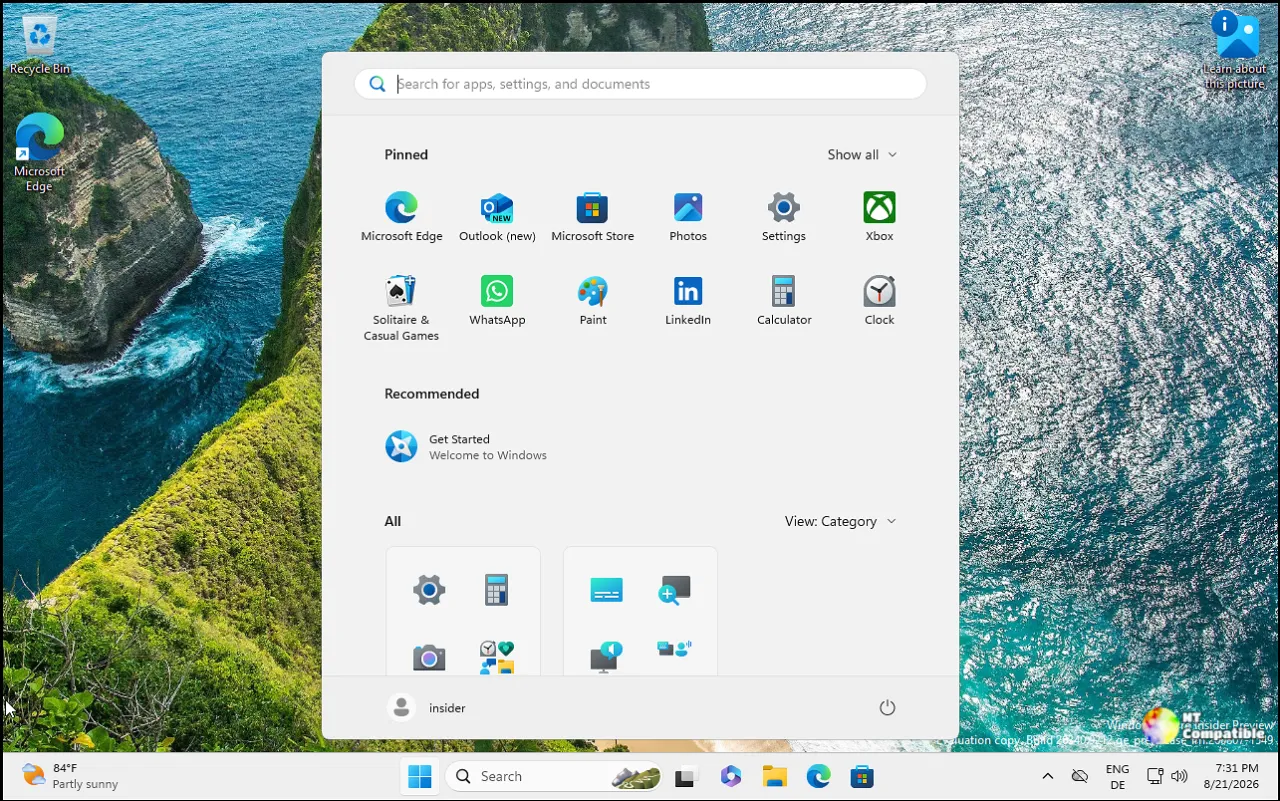
The interesting part is the catch. On some domain-joined machines running Credential Guard, Microsoft says the update can break the device's secure trust relationship with the domain. You might have tried installing this yourself, or a colleague pushed it out fleet-wide. Either way, the fallout looks the same: users hit a "trust relationship between device and domain has failed" message and can't sign in with valid credentials.
Here's the date wrinkle worth understanding, because it trips people up every month. This update isn't really the September release. Microsoft stages its monthly cycles in phases, which is why something ships in September but ends up riding along with the October update. These feature changes will formally fold into the October 13 Patch Tuesday security build. A separate Windows 11 23H2 build is also expected that day.
Keep in mind that KB5124010 isn't the only label floating around. Microsoft has reused it across the entire September preview cycle, covering Release Preview builds (26100.9539) that went to Insiders on September 10 as well as the Stable builds that reached machines on September 22. Same KB, different builds, same confusion.
What you'll actually notice
The feature list is genuinely long, so let's hit the parts that matter. Emoji 17.0 arrives with a "distorted face," a "fight cloud," and a "hairy creature," if that's your taste. You can now remap the dedicated Copilot key to act as Right Ctrl or the Context Menu key, which helps if you've built your workflow around specific shortcuts.
Touchpad users gain two new precision gestures: single-finger vertical scrolling from the left or right edge, and automatic scrolling that keeps going when you push toward the edge. Bluetooth gets one of the bigger batches, including a fix for a 0x139 crash that surfaced while streaming audio. Some people have been hitting that one for a while.
Other changes scatter across the OS. The File Explorer now remembers whether you had the "Recent" section expanded or collapsed, and it adds a "Preview anyway" button for HTML files downloaded from the web. Camera support gets repaired after some built-in cameras stopped working entirely. WinRE can now reuse saved Wi-Fi profiles automatically, which is genuinely useful for admins doing cloud rebuilds.
There's housekeeping too. PC-to-PC Migration is discontinued, with Microsoft nudging you toward Windows Backup instead. And a small detail for the font nerds: Ebrima reportedly becomes the first Microsoft font to support both the Garay and Beria Erfe scripts.
Small aside, for what it's worth. Unicode bumps usually pass without a single notification, so a font quietly gaining two scripts is about as quiet a win as you'll get this year.
Trust broken, audio dead
These are the two known issues, and they're the ones IT teams should read twice.
The trust break stems from a feature called Machine Identity Isolation. The preview doesn't force the feature on, but it starts honoring existing policy settings that had already enabled enforcement. Environments sitting below the Windows Server 2025 Domain Functional Level get caught out, while those already on 2025 are fine. AD replication and domain controller services stay healthy. It's specifically interactive sign-in that breaks, and offline sign-in with cached credentials may still work, which is the only reason this hasn't turned into a full-blown outage.
The workaround is available now. Disable Machine Identity Isolation through Intune, Group Policy, or the registry by setting MachineIdentityIsolation to 0, then restart, then repair the secure channel. In PowerShell that's Test-ComputerSecureChannel -Repair -Credential (Get-Credential). Microsoft says it'll ship an actual fix later by temporarily blocking enforcement while it improves the feature.
Test before you mass-deploy. Don't skip that step.
Then there's the audio hangover, a second issue that compounds recent bad news. Some USB Audio Class 1.0 devices won't start after the September 8 security update, throwing Error Code 10 in Device Manager and deadening audio output. It's limited to the older Class 1.0 gear, so most modern peripherals are fine. Still, it piles onto a run of recent Windows updates that broke audio, with a fix reportedly delayed until October. Microsoft says it's working on a resolution. Keep legacy USB audio peripherals off the preview track for now.
The takeaways
It's a feature-rich consumer update sitting on top of a genuinely enterprise-breaking bug. The Emoji and touchpad changes are polish you'll enjoy. The domain-trap bug is the kind of thing that shows up at 3 AM when a critical user can't reach their machine.
If you're running Credential Guard in a domain environment, test before you deploy. Otherwise this is a straightforward optional preview you can safely skip, since everything rolls into the October Patch Tuesday build regardless. Nothing lost.
The offline .msu is in the Microsoft Update Catalog, though it's hefty. Expect roughly 4,960.7 MB for the x64 25H2 build, or about 1.5 GB if you go through Windows Update.
Head here to download the update. Microsoft's official note on the update: "This cumulative update for Windows 11, version 25H2 and 24H2 (KB5124010), includes production-quality improvements."


