Microsoft has released Windows Server vNext Preview Build 29659, the latest snapshot for its upcoming LTSC release, though it continues to carry the Windows Server 2025 branding. The build rolls out with significant datacenter upgrades, adding Trusted Launch for Generation 2 VMs, cloud-powered Quick Machine Recovery, and dual NVMe-over-Fabrics protocols. Insiders must perform a clean install since upgrades from builds older than 29531 are blocked, though a temporary flighting label bug currently displays "Windows 11" during setup.
Windows Server vNext Preview Build 29659 Lands for Insiders
Microsoft has published Windows Server vNext Preview Build 29659 for Windows Insider participants. It is the latest shot at the upcoming LTSC release, though Microsoft keeps calling it Windows Server 2025 under the hood. The new build arrives with both Desktop Experience and Server Core installation options for Standard, Datacenter, and Azure editions.
If you are running a build older than 29531, you will need to wipe the drive and start fresh. Upgrades from earlier snapshots are officially unsupported. Flighting picked back up with build 29550, so make sure your machine is at least there before diving in. Server preview builds have historically been the poor cousins to client Windows Insider previews, but this release makes it clear Microsoft is treating the datacenter with the same pace.
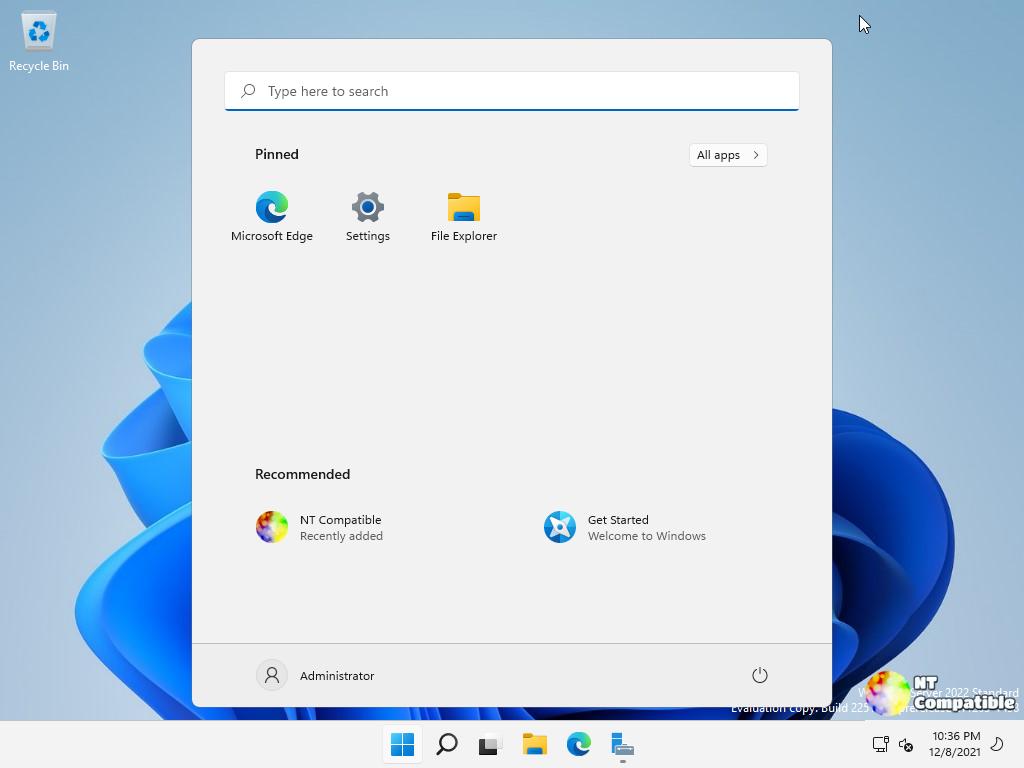
What is new in Build 29659
The headline here is Trusted Launch for Virtual Machines. You can toggle it on when spinning up Generation 2 VMs, which enables Secure Boot and a virtual TPM with state protection managed through PowerShell. It is still rough around the edges though. You cannot move these VMs to another host, run them in failover clusters, or use them with Hyper-V Replica yet. Windows Admin Center support is also missing. The setup involves installing the preview, enabling Hyper-V, dropping a couple of registry keys for the IGVmAgent, and then flipping a feature switch via PowerShell before creating the VM with a specific isolation flag. It is a bit of a manual process for an initial preview.
Quick Machine Recovery also moved out of the lab and into testing. The goal is straightforward: when a server hits a boot-critical failure, the OS reaches out to cloud-based remediations to patch itself back online. It should take some of the load off sysadmins managing fleets of stubborn machines. Fixes roll through trusted Windows Update, and you can currently test the flow yourself by flipping recovery test mode from an elevated command prompt. A Group Policy toggle will land in a later build to let you opt in or out properly.
On the storage side, Microsoft is finally bringing NVMe-over-Fabrics to the datacenter preview. You get two paths: NVMe/TCP over regular Ethernet, and NVMe/RDMA for RoCE or iWARP NICs that need that extra throughput. If you prefer file systems, ReFS can now actually boot from. Just keep in mind the minimum 2 GB WinRE partition requirement. Mismanage that partition, and you are looking at a clean install to fix it.
Where to get it and what to watch for
There are a few things that will trip people up. A TLS hybrid key exchange race condition can crash LSASS on certain negotiated groups, so you will want to disable those hybrid groups via Group Policy until Microsoft patches it. Upgrading from builds 26525 or older is strictly off the table. You will also notice the flighting label occasionally says "Windows 11" even though it is installing Server vNext. Ignore the label. It is a known misnomer that will be corrected later.
It is a packed preview for what is still fundamentally a test build. The Trusted Launch and Quick Machine Recovery features hit real pain points for enterprise Windows admin, even if the initial implementation requires some manual PowerShell scaffolding. NVMe-oF over TCP should simplify a lot of storage networking that currently relies on legacy SCSI stacks.
You can grab the ISO or VHDX directly from the Microsoft download page, though you will need an active Insider registration. Standard and Datacenter editions take specific preview keys that expire on October 15, 2027. Azure Edition does not accept any keys.
If you are running a test lab or pushing the build into production, drop your findings into the Feedback Hub under the Windows Server category. The full technical writeups for Trusted Launch, Quick Machine Recovery, and NVMe-oF are already live on the Microsoft Community Hub.
Head here to the official announcement.


